Troubleshooting & Pond Care
Pond Pump Troubleshooting: Find the Fault by Symptom
Pump stopped, flow dropped, or a new noise? Work through the likely causes in order, starting with the safe checks, and know when to stop.
This guide contains affiliate links. As an Amazon Associate I earn from qualifying purchases. How this works.
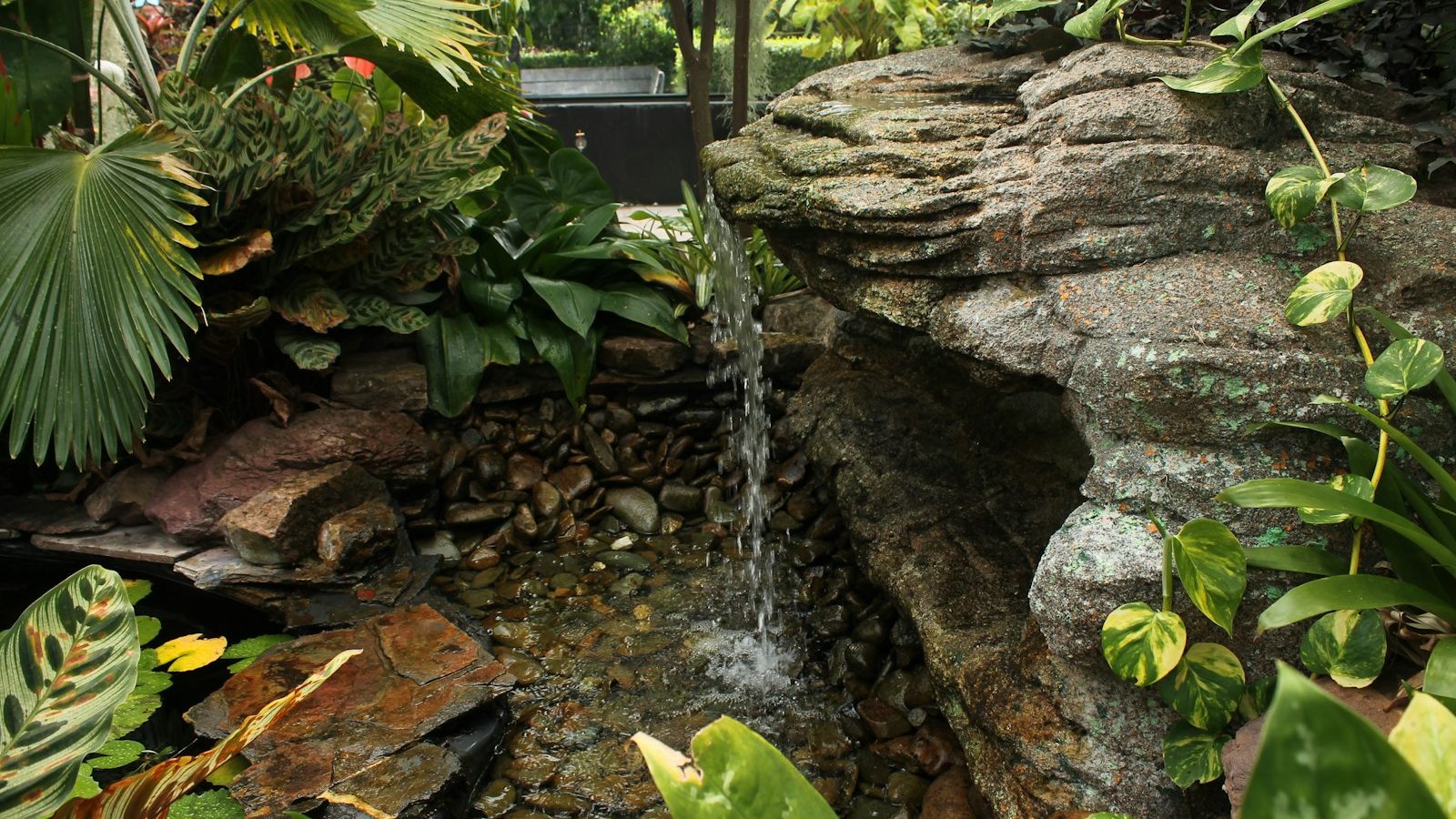
Most pond pump faults are blockages, not failures. Unplug the pump, check that the socket and GFCI are live, then clear the intake, the impeller and the hose. If the pump trips the GFCI, hums without turning after cleaning, or has a damaged cable, stop using it.
Disconnect the pump from the mains before touching it, the cable or the pond water. Switch off and unplug every electrical device in the pond, not just the pump. Never lift a pump by its cable. Do not open a sealed motor housing or attempt to repair a cable: both are jobs for the manufacturer or a qualified electrician. If a GFCI (RCD) trips, treat it as a warning of a real fault.
Find the symptom that matches yours and work down the list. The checks are ordered from the most likely and simplest to the least.
Pump will not start
- Check the power. Test the socket with another appliance. Reset the GFCI and check the breaker. If the pump is on a timer or switch box, confirm it is on.
- Look at the cable and plug. If you see cuts, chewing, crushing or a damaged plug, do not use the pump.
- Check for a jammed impeller. With the power off, open the impeller cover as the manual shows and see whether the impeller turns freely by hand. Grit, a snail shell or a twist of string algae is enough to lock it.
- Consider thermal cut-out. Many pumps switch themselves off if they overheat, typically after running dry or with a blocked intake, and restart once cool. Clear the cause, leave the pump unplugged and submerged for a while as the manual advises, then try again.
- If it still does nothing, the motor or an internal component has probably failed. Check the warranty before replacing the pump.
Flow is weaker than it used to be
A gradual drop over weeks almost always means something is clogging.
- Clean the intake. Rinse the pre-filter foam, cage or strainer.
- Clean the impeller chamber. Slime and debris inside the housing reduce output even when the intake looks clear. Follow our guide to cleaning a pond pump.
- Clean the filter and UV clarifier. Clogged filter media and a dirty quartz sleeve both add resistance.
- Check the hose. Look for kinks, a hose squashed under a rock, and build-up inside old tubing.
- Check the water level. A low level can let the pump draw air.
- Inspect the impeller for wear. Chipped or worn vanes and a worn shaft reduce flow. Impellers are replaceable on most pumps.
Pump is noisy
- Rattling or grinding: debris in the impeller chamber, or a worn or damaged impeller or shaft. Unplug, open, clean and inspect.
- Humming but no flow: the impeller is jammed, or the pump is air-locked. Clear the impeller. To release trapped air, tilt the submerged pump so the outlet points upwards and let the air escape before restarting.
- Gurgling or sucking sounds: the pump is drawing air because the water level is low or the intake is too close to the surface.
- Vibration against the pond or skimmer wall: reposition the pump on a flat, stable base so the casing does not touch a hard surface.
- A new, louder hum from an external pump: check that the strainer basket is clear and the pump has not lost its prime. Persistent bearing noise needs professional attention.
Pump keeps clogging
If you are cleaning the pump every few days, the pump is doing a job it was not chosen for.
- Raise the pump off the bottom. A pump sitting in sludge pulls it straight in. Set it on a flat stone or stand a few inches up.
- Fit or enlarge the pre-filter. A larger intake surface takes longer to block.
- Use a solids-handling pump for filter duty. A pump designed to pass debris to the filter will not strain it out and choke.
- Move the pump into a skimmer or pump vault, where a basket catches leaves before they reach it.
- Deal with the source. Net the pond in autumn, thin out string algae, and remove decaying plant matter.
Waterfall flow is too weak
- Rule out clogging first using the steps under “Flow is weaker than it used to be”.
- Compare the pump with the job. Find the pump’s curve and read the flow at your total head. It will be lower than the flow printed on the box. Our head height guide explains how to work out the head.
- Check the hose diameter. A narrow hose is the most common cause of a weak waterfall on a new installation. Going up one size often transforms the result.
- Remove restrictions. Cut stepped hose tails back to the largest size, open any valves fully, and replace tight elbows with gentle bends.
- Look for leaks. If the stream or waterfall liner has settled, water may be escaping over the edge before it reaches the spillway.
- If the pump is simply too small, use the waterfall flow calculator and waterfall pump guide to size a replacement.
Pump trips the GFCI or breaker
A GFCI (RCD) trips when it detects current leaking to earth. With a pump, that usually means water has reached somewhere it should not be.
- Unplug everything in the pond. Reset the GFCI. Plug devices back in one at a time to identify which one causes the trip.
- Check connections and the socket. A wet plug, a flooded outdoor socket box or a connector lying on damp ground can trip the GFCI without any pump fault. Let them dry and protect them properly.
- If the pump itself trips the GFCI repeatedly, stop using it. A failed seal or damaged cable is the likely cause, and neither can be safely repaired at home. Replace the pump or contact the manufacturer.
- Never bypass a GFCI or move the pump to an unprotected socket to keep it running.
Preventing problems
- Clean the pump on a routine rather than waiting for the flow to drop.
- Keep the water level topped up, especially in hot or windy weather.
- Net the pond before leaf fall.
- Inspect the cable and plug whenever you clean the pump.
- Follow the manufacturer’s advice for winter. See running a pump all year.
When to replace the pump
Replace rather than repair when the pump trips the GFCI, the cable is damaged, the motor is dead, or the cost of parts approaches the cost of a new pump. If you are replacing it, take the opportunity to check that the size was right in the first place with the pump size calculator.
Frequently asked questions
Why is my pond pump running but not pumping water?
The usual causes are an air lock, a jammed or broken impeller, or a completely blocked intake or hose. Unplug the pump, clear all three, and release any trapped air before restarting.
Can a pond pump burn out?
Yes. Running dry or with a blocked intake causes overheating. Thermal protection reduces the risk but repeated overheating shortens the pump’s life.
Why does my pump work for a while and then stop?
That pattern suggests the thermal cut-out is operating. Look for a blocked intake, a jammed impeller or low water, and correct the cause rather than repeatedly restarting the pump.
Related guides
How to Clean a Pond Pump Safely
Most lost flow comes back with a ten-minute clean. Follow these steps to clean the intake, impeller and housing without damaging the pump.
Should a Pond Pump Run All the Time, Including in Winter?
Ponds with fish and a biological filter need the pump running day and night. Fountains and plant-only ponds have more freedom. Winter needs a plan.

What Size Pond Pump Do I Need? A Step-by-Step Guide
Work out your pond volume, pick a sensible turnover rate, add up the head height, then read a pump curve. Here is the full method with a worked example.